
CartList
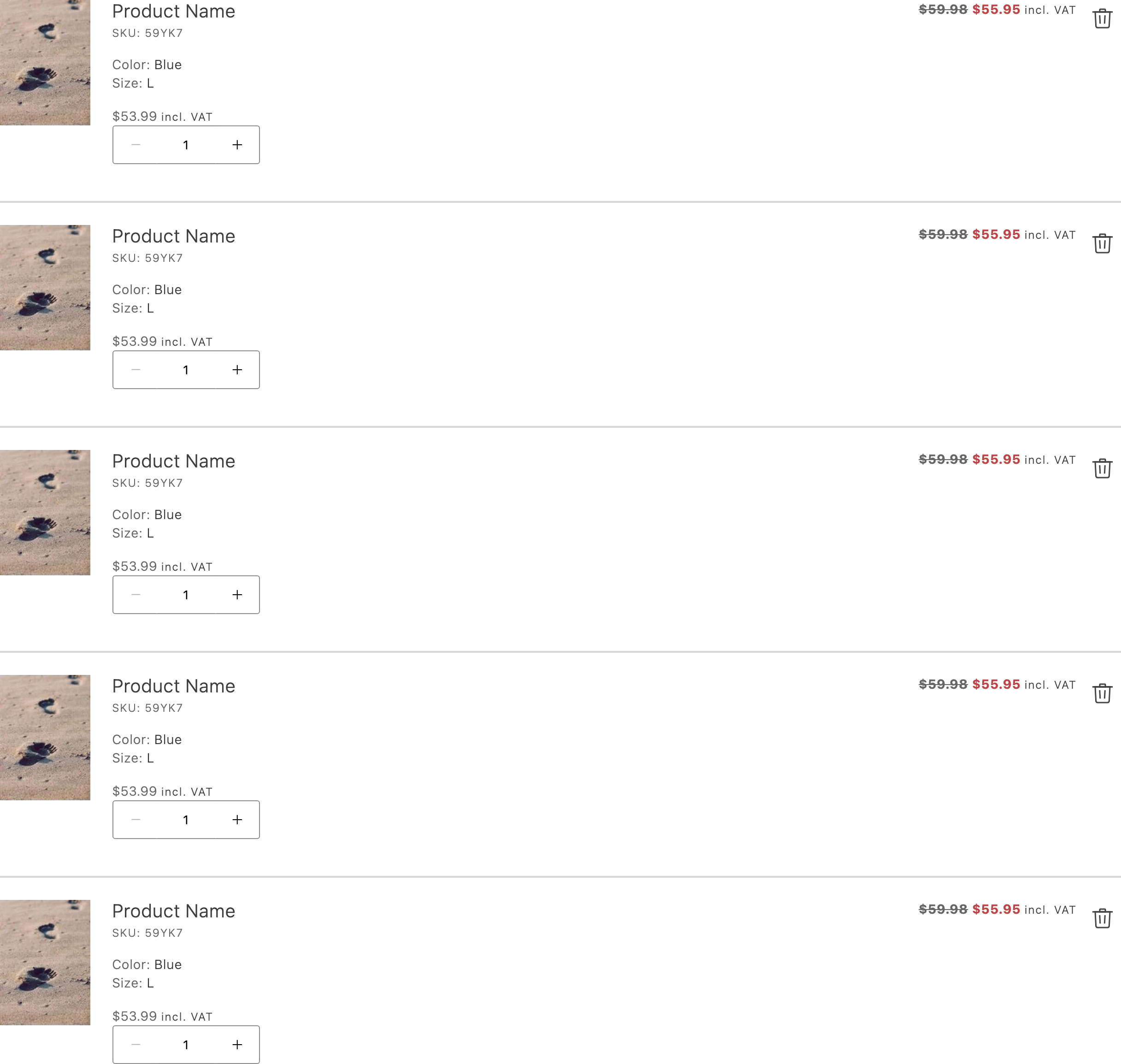
Use CartList to display a list of product items in the cart. Pass CartItem elements as children; the list wraps each one and announces changes for assistive technology.
Import
Section titled “Import”import { CartList } from '@dropins/tools/components.js';| Prop | Type | Req? | Description |
|---|---|---|---|
children | ComponentChildren | No | The CartItem elements to display in the list. |
CartList also accepts standard <div> HTML attributes (for example, className).
Example
Section titled “Example”Render a cart list with two items. Build the CartItem children with h.
import { CartList, CartItem, provider } from '@dropins/tools/components.js';import { h } from '@dropins/tools/preact.js';
await provider.render(CartList, { children: [ h(CartItem, { key: '1', title: h('div', {}, 'Product one'), quantity: 1 }), h(CartItem, { key: '2', title: h('div', {}, 'Product two'), quantity: 2 }), ],})(document.querySelector('.cart-list'));